Docker Disk Cleanup on Mac
Last updated: 2026-06-05
Quick answer
Run docker system df to see usage, then docker system prune for stopped containers and dangling images. docker system prune -a removes unused images. CodeCleaner uses official Docker CLI commands — not direct file deletion of Docker.raw.
Native macOS app. No account required. Local scan. You review before cleanup.
Docker Desktop on Mac stores images, containers, volumes, and build cache inside a growing disk image (Docker.raw). It grows but rarely shrinks automatically. This guide covers safe pruning with official Docker commands.
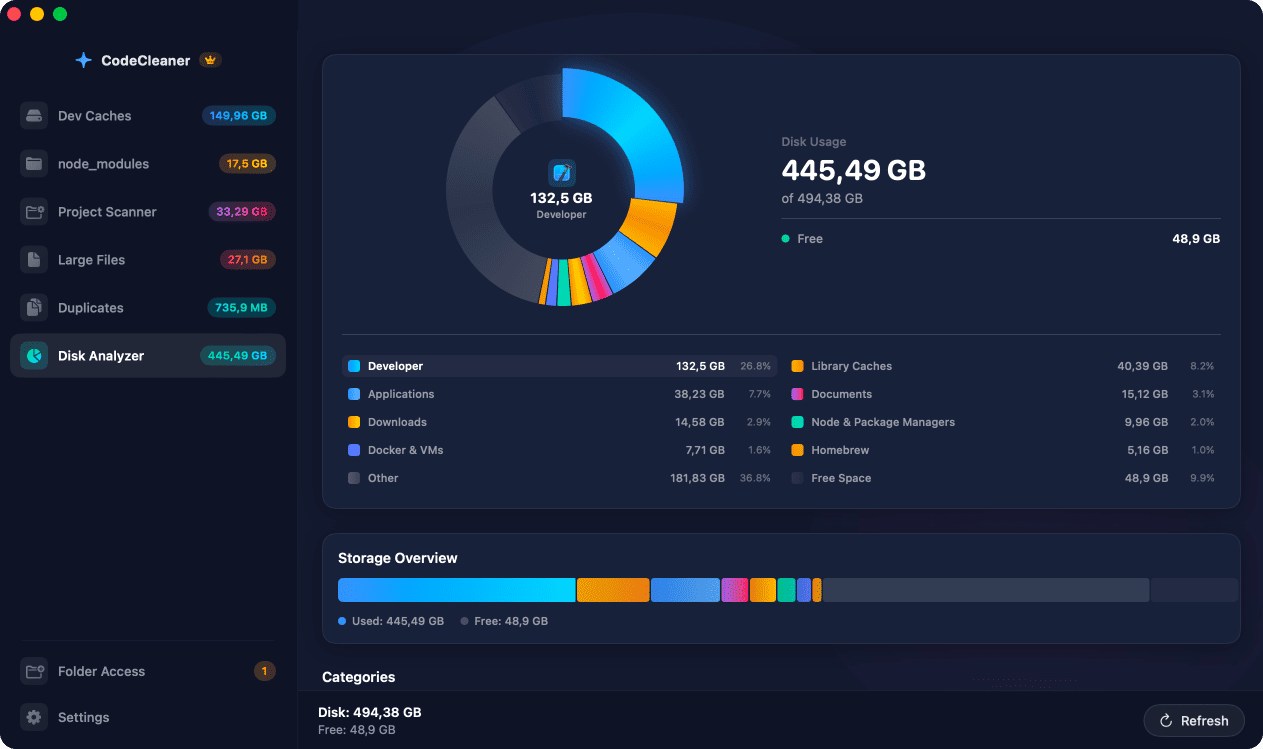
What consumes Docker disk space on Mac?
Pulled and built images, stopped containers, named and anonymous volumes, and build cache layers. Docker Desktop stores everything in Docker.raw or Docker.qcow2 under ~/Library/Containers/com.docker.docker.
Check Docker disk usage
docker system df breaks down images, containers, volumes, and build cache. Use this before any prune to understand what you will remove.
Prune images, containers, and build cache
docker system prune removes stopped containers and dangling images. Add -a for all unused images. docker builder prune -a clears build cache. docker volume prune removes unused volumes — review carefully if volumes hold databases.
Docker.raw may not shrink immediately
After pruning, Docker Desktop's disk image file may still report a large size until you use Docker Desktop's disk reclaim feature or recreate the VM. Pruning frees space inside Docker; reclaiming shrinks the host file.
How CodeCleaner cleans Docker safely
CodeCleaner integrates with the Docker CLI — docker system df and official prune commands. It does not delete Docker.raw directly. Scan first, review before deleting.
Manual steps (Terminal)
Run these commands in Terminal first. Scan first, review before deleting — or use CodeCleaner for a visual interface with per-item size breakdowns.
Show Docker disk usage
docker system dfPrune stopped containers and dangling images
docker system prunePrune all unused images
docker system prune -aPrune build cache
docker builder prune -aList volumes
docker volume lsPrune unused volumes
docker volume pruneSafety warnings
- Do not blindly prune volumes if they contain local databases or persistent data.
- docker system prune -a removes images not used by a running container — you may need to re-pull.
Or use CodeCleaner
CodeCleaner automates this with a native macOS app. Scan first, review before deleting. Free scan, no account required.
Native macOS app. No account required. Local scan. You review before cleanup.
Frequently asked questions
- Why is Docker using so much disk space on Mac?
- Old images, stopped containers, volumes, and build cache accumulate. Docker.raw grows but does not auto-shrink.
- Is it safe to run docker system prune -a?
- Yes for unused images, but active project images will need re-pulling. Named volumes attached to containers are kept.
Why developers trust CodeCleaner
- Source code is never targeted
- Only known cache and build artifact paths
- Docker cleanup through official Docker CLI
- Local-only processing — no cloud upload
- No account required
- Free scan before paying for cleanup
Native macOS app. No account required. Local scan. You review before cleanup.