Clean Cursor, VS Code and JetBrains Caches on Mac
Last updated: 2026-06-05
Quick answer
VS Code caches live under ~/Library/Caches/Code and ~/Library/Application Support/Code. Cursor uses ~/Library/Caches/Cursor and ~/.cursor/extensions. JetBrains stores caches under ~/Library/Caches/JetBrains. CodeCleaner detects these locations automatically.
Native macOS app. No account required. Local scan. You review before cleanup.
IDEs accumulate extension data, workspace storage, logs, and caches — especially heavy for AI coding with Cursor. Clearing caches is safe; editors recreate what they need on launch. Settings and projects are not removed.
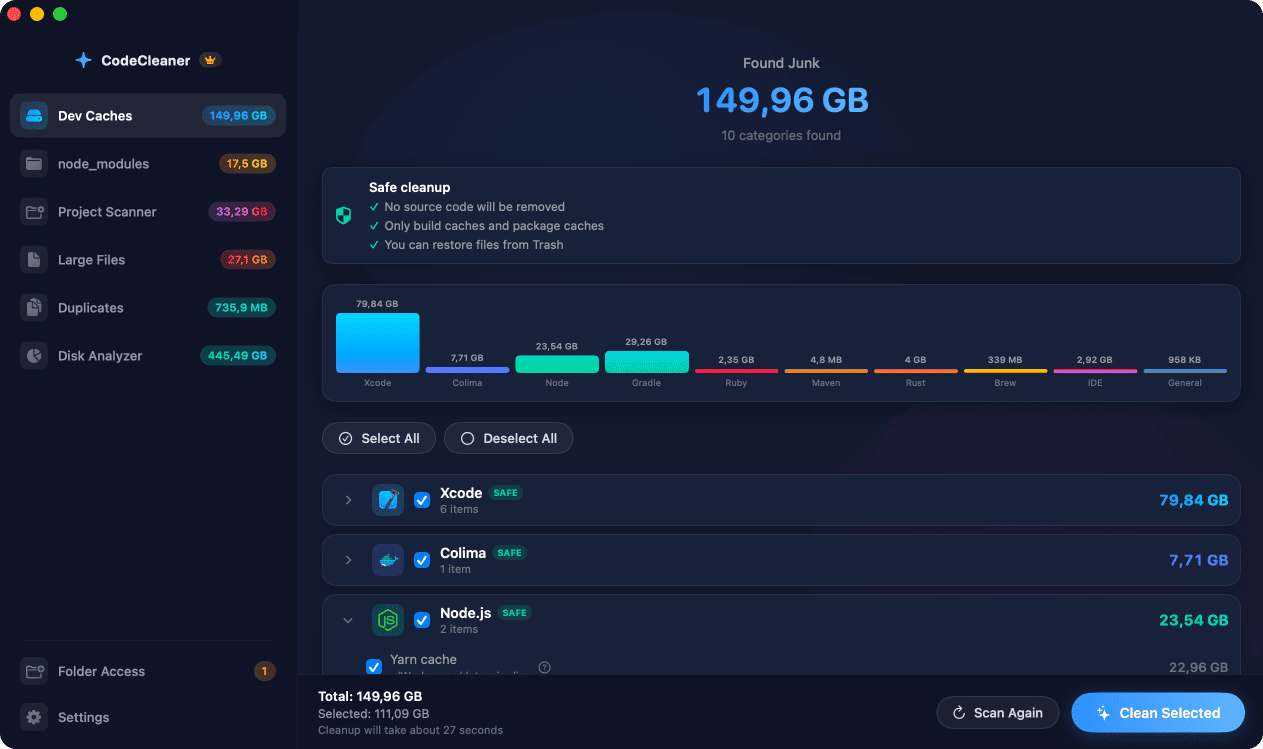
VS Code cache locations
Extensions at ~/.vscode/extensions, caches at ~/Library/Caches/Code, workspace storage at ~/Library/Application Support/Code. Old extension versions and per-project workspace data add up over time.
Cursor IDE cache locations
Cursor uses separate paths: ~/.cursor/extensions, ~/Library/Caches/Cursor, ~/Library/Application Support/Cursor. If you use both VS Code and Cursor, you may duplicate extensions.
JetBrains IDE caches
IntelliJ, WebStorm, PyCharm, and other JetBrains products store caches at ~/Library/Caches/JetBrains/<product><version> and logs at ~/Library/Logs/JetBrains. Upgraded versions often leave old cache directories behind.
How CodeCleaner detects IDE caches
CodeCleaner scans common IDE cache locations for installed editors, shows per-IDE sizes, and lets you clean caches without touching project files or Git repositories. Scan first, review before deleting.
Manual steps (Terminal)
Run these commands in Terminal first. Scan first, review before deleting — or use CodeCleaner for a visual interface with per-item size breakdowns.
VS Code cache size
du -sh ~/Library/Caches/Code ~/Library/Application\ Support/CodeCursor cache size
du -sh ~/Library/Caches/Cursor ~/.cursorJetBrains cache size
du -sh ~/Library/Caches/JetBrains ~/Library/Logs/JetBrainsClear VS Code caches
rm -rf ~/Library/Caches/CodeClear Cursor caches
rm -rf ~/Library/Caches/CursorClear JetBrains caches
rm -rf ~/Library/Caches/JetBrainsSafety warnings
- Quit the IDE before deleting its cache directories to avoid file locks.
- Workspace storage reset may clear recent files UI state — not your source code.
Or use CodeCleaner
CodeCleaner automates this with a native macOS app. Scan first, review before deleting. Free scan, no account required.
Native macOS app. No account required. Local scan. You review before cleanup.
Frequently asked questions
- Is Cursor taking disk space on my Mac?
- Cursor stores extensions, workspace data, and caches separately from VS Code. Combined use of both editors can duplicate extension storage.
- Will clearing IDE cache delete my settings?
- Cache and log directories are safe to remove. Main settings typically live in Application Support and are separate from Caches — but quit the app first.
Why developers trust CodeCleaner
- Source code is never targeted
- Only known cache and build artifact paths
- Docker cleanup through official Docker CLI
- Local-only processing — no cloud upload
- No account required
- Free scan before paying for cleanup
Native macOS app. No account required. Local scan. You review before cleanup.