Delete Old iOS Simulators on Mac
Last updated: 2026-06-05
Quick answer
Delete unavailable iOS simulators with xcrun simctl delete unavailable. CoreSimulator data lives at ~/Library/Developer/CoreSimulator. Old runtimes and device data can consume tens of GB. CodeCleaner visualizes simulator and runtime sizes before you delete.
Native macOS app. No account required. Local scan. You review before cleanup.
Every Xcode update can leave behind old iOS simulator runtimes and unavailable device entries. CoreSimulator stores full runtime images and per-device data. Cleaning stale simulators is one of the fastest ways to reclaim Xcode-related disk space.
What lives in CoreSimulator?
CoreSimulator at ~/Library/Developer/CoreSimulator holds simulator device data, app installs, and runtime bundles. Each iOS version you install adds a full runtime image — often several gigabytes each.
Removing old simulator runtimes
In Xcode, go to Settings → Platforms to delete runtimes you no longer need. Keep runtimes matching your minimum deployment target and CI matrix.
How CodeCleaner shows simulator disk usage
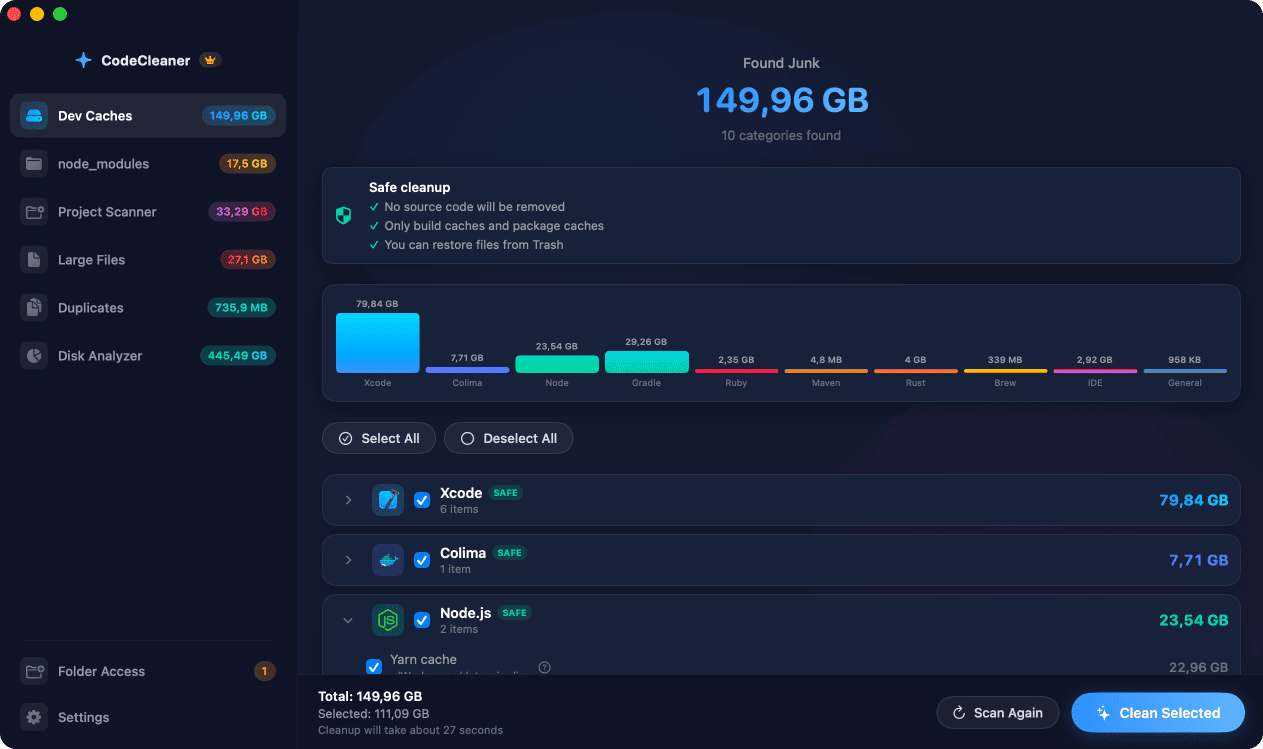
CodeCleaner scans CoreSimulator and related paths, showing runtime and device footprint with sizes. Scan first, review before deleting — you choose what to remove.
Manual steps (Terminal)
Run these commands in Terminal first. Scan first, review before deleting — or use CodeCleaner for a visual interface with per-item size breakdowns.
List all simulators
xcrun simctl list devicesDelete unavailable simulators
xcrun simctl delete unavailableCheck CoreSimulator size
du -sh ~/Library/Developer/CoreSimulatorSafety warnings
- Do not delete runtimes for iOS versions you still build and test against.
Or use CodeCleaner
CodeCleaner automates this with a native macOS app. Scan first, review before deleting. Free scan, no account required.
Native macOS app. No account required. Local scan. You review before cleanup.
Frequently asked questions
- What does xcrun simctl delete unavailable do?
- It removes simulator devices that Xcode marked unavailable — typically after an upgrade left orphaned entries. It does not remove installed runtimes you still need.
- How much space do iOS simulators use?
- Often 10–30 GB depending on how many iOS versions and device types you have installed.
Why developers trust CodeCleaner
- Source code is never targeted
- Only known cache and build artifact paths
- Docker cleanup through official Docker CLI
- Local-only processing — no cloud upload
- No account required
- Free scan before paying for cleanup
Native macOS app. No account required. Local scan. You review before cleanup.