Clean Rust Cargo Cache on Mac
Last updated: 2026-06-05
Quick answer
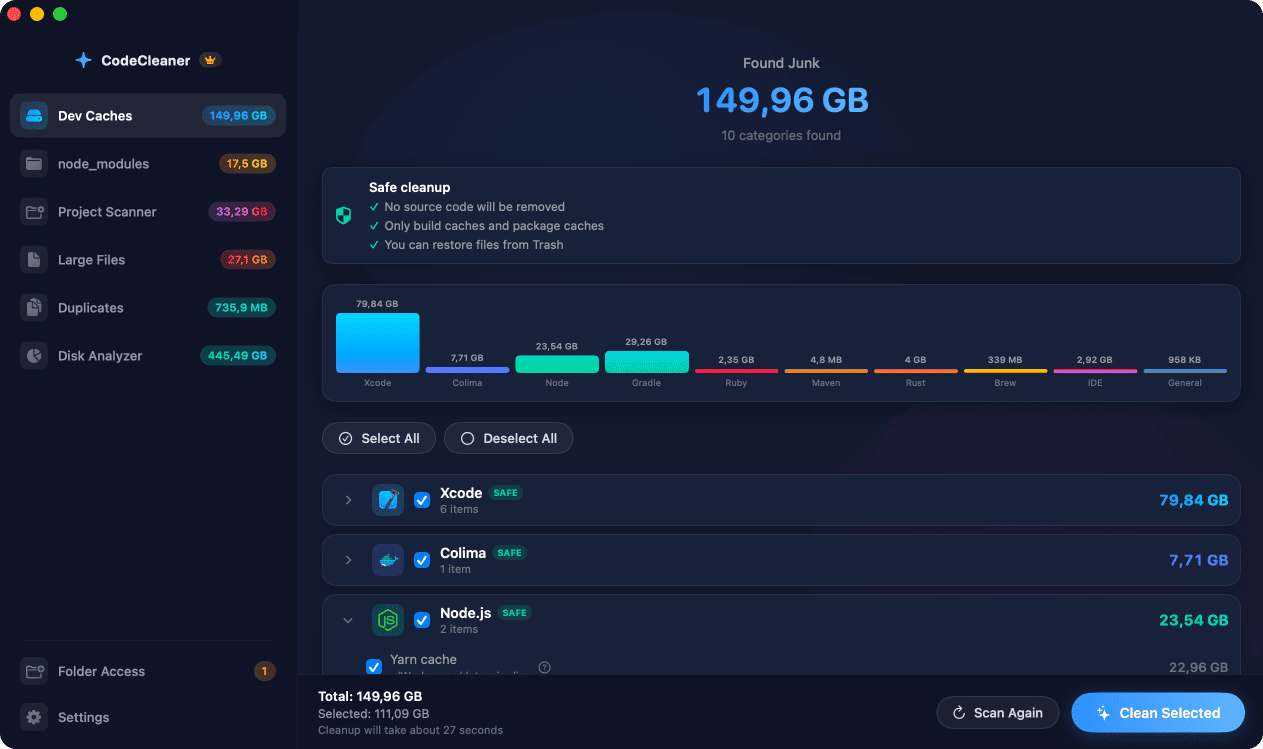
Cargo registry: ~/.cargo/registry. Git checkouts: ~/.cargo/git. Per-project builds: target/. Run cargo clean in projects or rm -rf ~/.cargo/registry. CodeCleaner sizes Cargo and target directories.
Native macOS app. No account required. Local scan. You review before cleanup.
Rust developers accumulate crate downloads, git-based dependencies, and per-project target/ build artifacts. Together these often reach 3–10 GB on an active Rust Mac.
Cargo registry and git checkouts
Every resolved crate version is cached under ~/.cargo/registry. Git dependencies clone into ~/.cargo/git. Both regenerate on next build.
target/ directories
Each Rust project's target/ can be 1–5 GB. cargo clean inside a project removes it. CodeCleaner's Project Scanner finds all target/ folders ranked by size.
Rustup toolchains
Old toolchains under ~/.rustup/toolchains are ~500 MB–1 GB each. List with rustup toolchain list and uninstall unused versions.
How CodeCleaner cleans Rust caches
CodeCleaner detects Cargo registry, git checkouts, and Rustup footprint, plus Project Scanner for target/ directories. Scan first, review before deleting.
Manual steps (Terminal)
Run these commands in Terminal first. Scan first, review before deleting — or use CodeCleaner for a visual interface with per-item size breakdowns.
Cargo cache size
du -sh ~/.cargo/registry ~/.cargo/gitRemove Cargo registry
rm -rf ~/.cargo/registryRemove git checkouts
rm -rf ~/.cargo/gitList Rustup toolchains
rustup toolchain listClean target (per project)
cargo clean # run inside each projectOr use CodeCleaner
CodeCleaner automates this with a native macOS app. Scan first, review before deleting. Free scan, no account required.
Native macOS app. No account required. Local scan. You review before cleanup.
Frequently asked questions
- Will deleting ~/.cargo/registry break my projects?
- No. Cargo re-downloads crates on next build. First compile may take longer.
Why developers trust CodeCleaner
- Source code is never targeted
- Only known cache and build artifact paths
- Docker cleanup through official Docker CLI
- Local-only processing — no cloud upload
- No account required
- Free scan before paying for cleanup
Native macOS app. No account required. Local scan. You review before cleanup.