Clean Python Cache on Mac
Last updated: 2026-06-05
Quick answer
Python pip cache is at ~/.cache/pip. Project __pycache__ and .venv folders duplicate interpreters and packages. Run pip cache purge or rm -rf ~/.cache/pip. CodeCleaner detects pip, Poetry, and venv footprints.
Native macOS app. No account required. Local scan. You review before cleanup.
Python projects create pip download caches, per-project virtual environments, and __pycache__ bytecode. A handful of projects with separate venvs can consume several gigabytes — all regenerable.
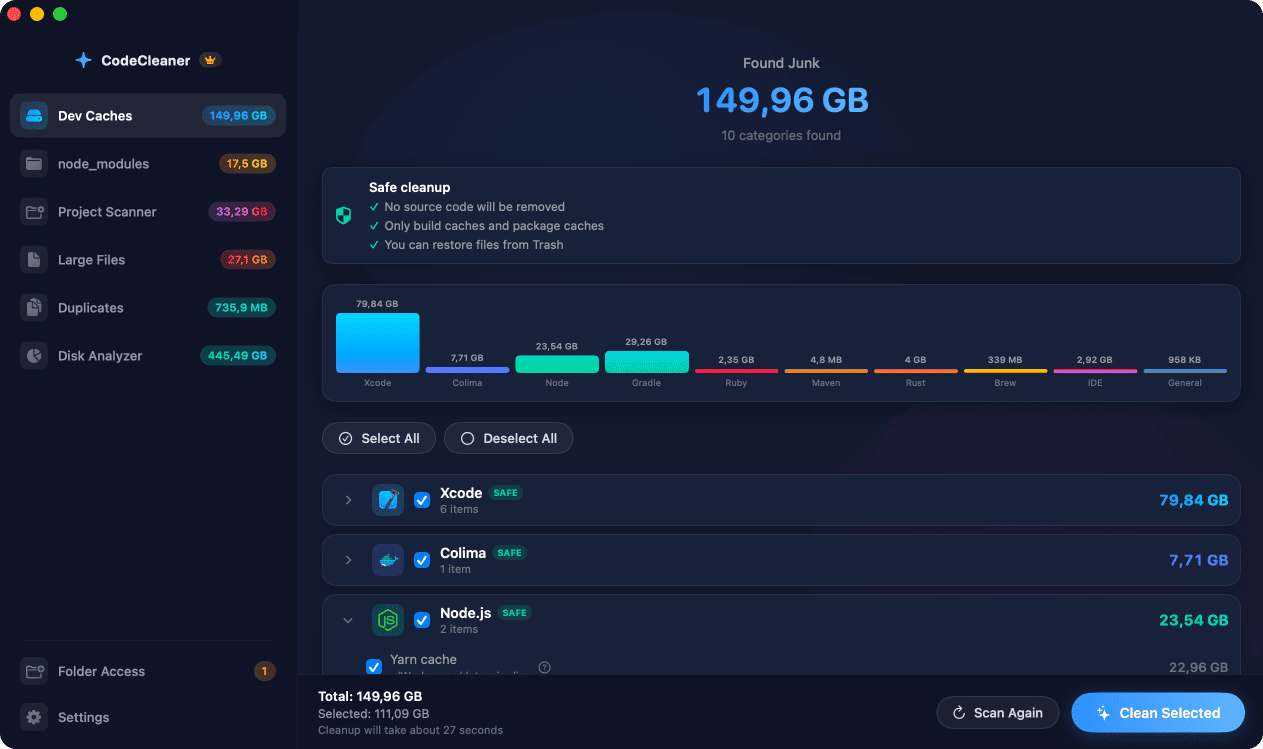
pip and tool caches
pip stores wheels at ~/.cache/pip. Tools like Ruff and mypy add ~/.cache/ruff and ~/.cache/mypy. These are small individually but accumulate.
Virtual environments per project
venv, .venv, and env folders duplicate Python and all installed packages. CodeCleaner's Project Scanner finds these across your filesystem.
How CodeCleaner cleans Python caches
Dev Caches detects pip and Poetry caches. Project Scanner finds venv folders. Scan first, review before deleting.
Manual steps (Terminal)
Run these commands in Terminal first. Scan first, review before deleting — or use CodeCleaner for a visual interface with per-item size breakdowns.
pip cache info
pip cache infoPurge pip cache
pip cache purgeCheck pip cache size
du -sh ~/.cache/pipSample __pycache__ locations
find ~/Projects -name __pycache__ -type d -prune | head -20Or use CodeCleaner
CodeCleaner automates this with a native macOS app. Scan first, review before deleting. Free scan, no account required.
Native macOS app. No account required. Local scan. You review before cleanup.
Frequently asked questions
- Is it safe to delete __pycache__?
- Yes. Python recreates bytecode on next run.
Why developers trust CodeCleaner
- Source code is never targeted
- Only known cache and build artifact paths
- Docker cleanup through official Docker CLI
- Local-only processing — no cloud upload
- No account required
- Free scan before paying for cleanup
Native macOS app. No account required. Local scan. You review before cleanup.