Clean Poetry, pip and Conda Cache on Mac
Last updated: 2026-06-05
Quick answer
Poetry cache: ~/Library/Caches/pypoetry. pip: ~/.cache/pip. Conda: conda clean --all inside your installation. Each is regenerable. CodeCleaner detects all three.
Native macOS app. No account required. Local scan. You review before cleanup.
Python's packaging tools each maintain separate caches. Poetry, pip, and Conda can together consume 2–8 GB on an active Python developer's Mac.
Poetry cache
Poetry stores packages at ~/Library/Caches/pypoetry and virtualenvs under ~/Library/Caches/pypoetry/virtualenvs. poetry cache clear --all . removes project-level cache.
Conda environments
Conda keeps packages under ~/anaconda3 or ~/miniconda3. conda clean --all removes package tarballs and indexes. Remove unused named envs you no longer need.
How CodeCleaner handles Python package managers
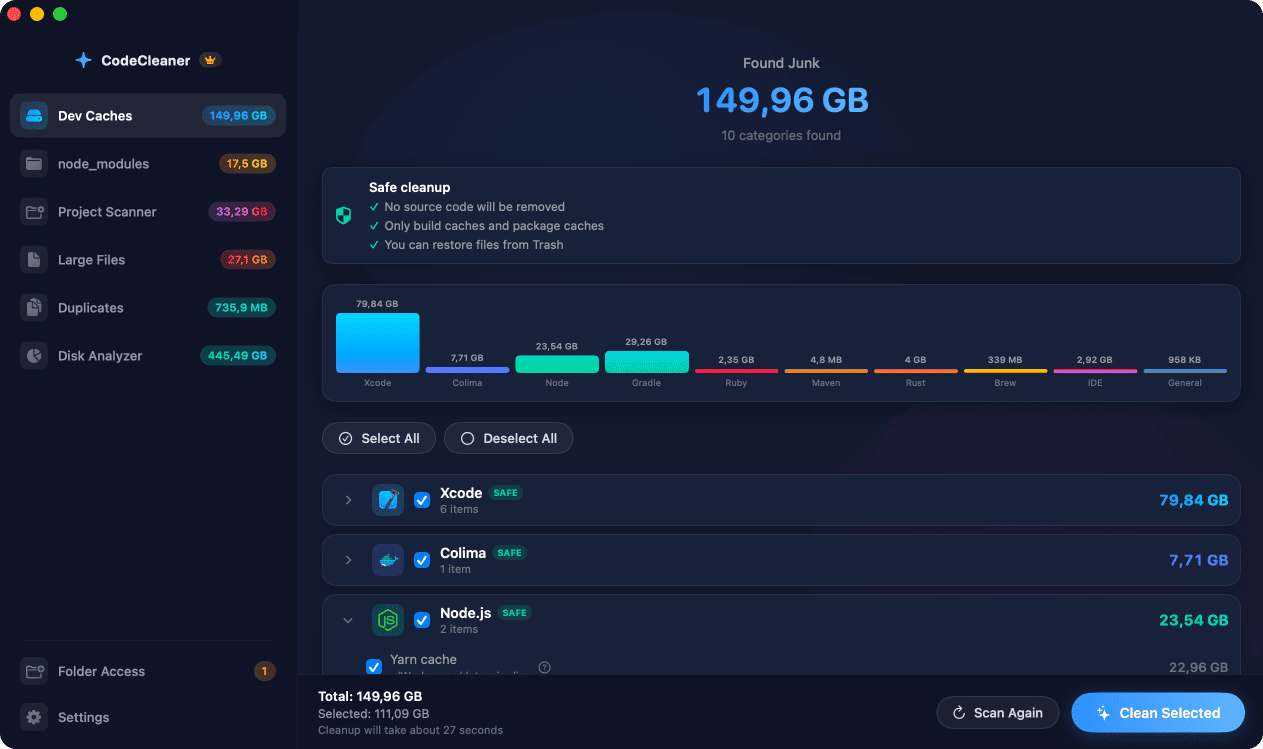
CodeCleaner detects pip, Poetry, and Conda installations and shows combined footprint. Scan first, review before deleting.
Manual steps (Terminal)
Run these commands in Terminal first. Scan first, review before deleting — or use CodeCleaner for a visual interface with per-item size breakdowns.
Purge pip cache
pip cache purgeClear Poetry cache
poetry cache clear --all .Conda clean all
conda clean --allCheck Poetry and pip sizes
du -sh ~/Library/Caches/pypoetry ~/.cache/pipSafety warnings
- Avoid removing Conda base env if you rely on it daily.
Or use CodeCleaner
CodeCleaner automates this with a native macOS app. Scan first, review before deleting. Free scan, no account required.
Native macOS app. No account required. Local scan. You review before cleanup.
Frequently asked questions
- Does conda clean --all delete my environments?
- It removes package caches and tarballs, not named environments. Remove envs separately with conda env remove.
Why developers trust CodeCleaner
- Source code is never targeted
- Only known cache and build artifact paths
- Docker cleanup through official Docker CLI
- Local-only processing — no cloud upload
- No account required
- Free scan before paying for cleanup
Native macOS app. No account required. Local scan. You review before cleanup.