Clean Go Module Cache on Mac
Last updated: 2026-06-05
Quick answer
Go modules cache at ~/go/pkg/mod (or $GOMODCACHE). Build cache at ~/.cache/go-build. Run go clean -cache -modcache to clear both. CodeCleaner detects Go cache footprint.
Native macOS app. No account required. Local scan. You review before cleanup.
Go downloads and caches every module version your projects use. The module cache and build cache grow silently and are fully regenerable.
Go module and build cache locations
Module cache: ~/go/pkg/mod by default (check go env GOMODCACHE). Build cache: ~/.cache/go-build stores compiled packages for faster rebuilds.
go clean commands
go clean -cache clears build cache. go clean -modcache clears module download cache. go clean -cache -modcache clears both.
How CodeCleaner handles Go caches
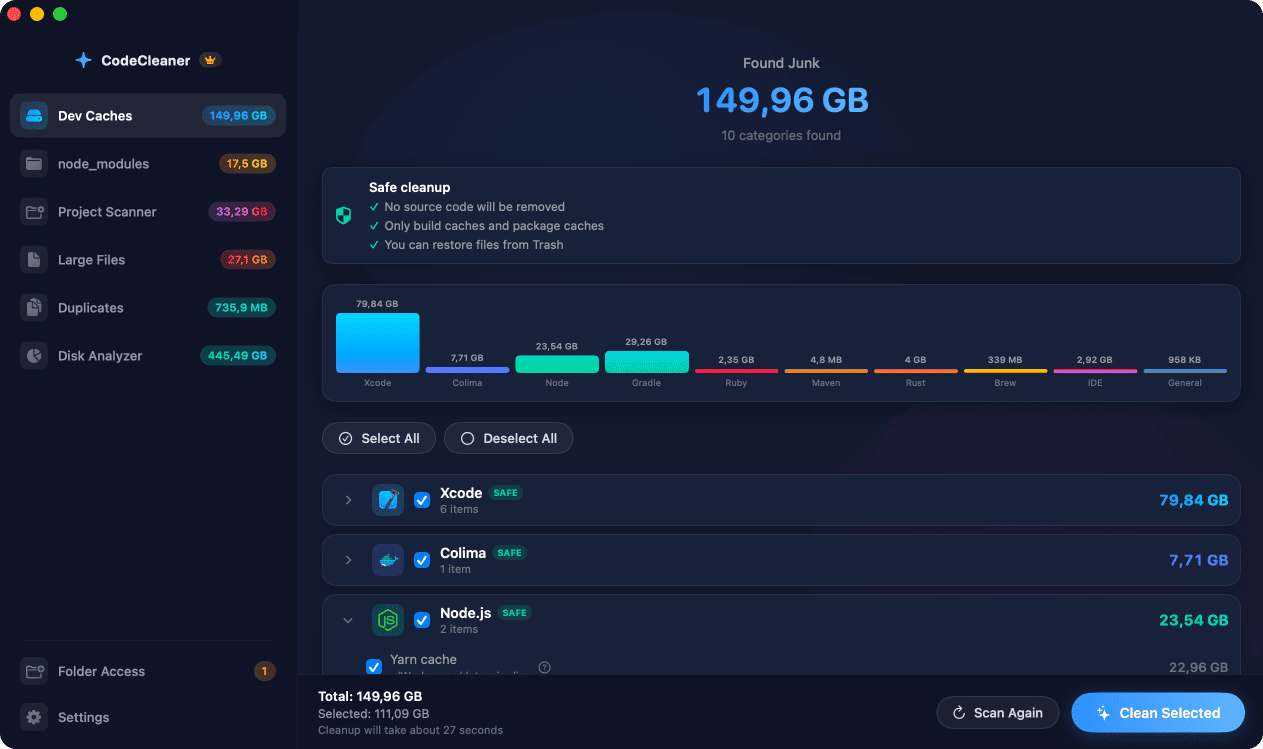
CodeCleaner detects Go installation and shows module and build cache sizes in Dev Caches scan.
Manual steps (Terminal)
Run these commands in Terminal first. Scan first, review before deleting — or use CodeCleaner for a visual interface with per-item size breakdowns.
Show module cache path
go env GOMODCACHECheck cache sizes
du -sh $(go env GOMODCACHE) ~/.cache/go-buildClear module and build cache
go clean -cache -modcacheOr use CodeCleaner
CodeCleaner automates this with a native macOS app. Scan first, review before deleting. Free scan, no account required.
Native macOS app. No account required. Local scan. You review before cleanup.
Frequently asked questions
- Is go clean -modcache safe?
- Yes. Go re-downloads modules on next build.
Why developers trust CodeCleaner
- Source code is never targeted
- Only known cache and build artifact paths
- Docker cleanup through official Docker CLI
- Local-only processing — no cloud upload
- No account required
- Free scan before paying for cleanup
Native macOS app. No account required. Local scan. You review before cleanup.