Clean Flutter Cache on Mac
Last updated: 2026-06-05
Quick answer
Flutter stores Dart packages at ~/.pub-cache. Run flutter pub cache clean to clear it. Project build/ and .dart_tool/ folders are per-project regenerable artifacts. CodeCleaner detects pub cache size.
Native macOS app. No account required. Local scan. You review before cleanup.
Flutter and Dart projects use a shared pub cache and per-project build outputs. The pub cache grows with every package version across all your Flutter apps.
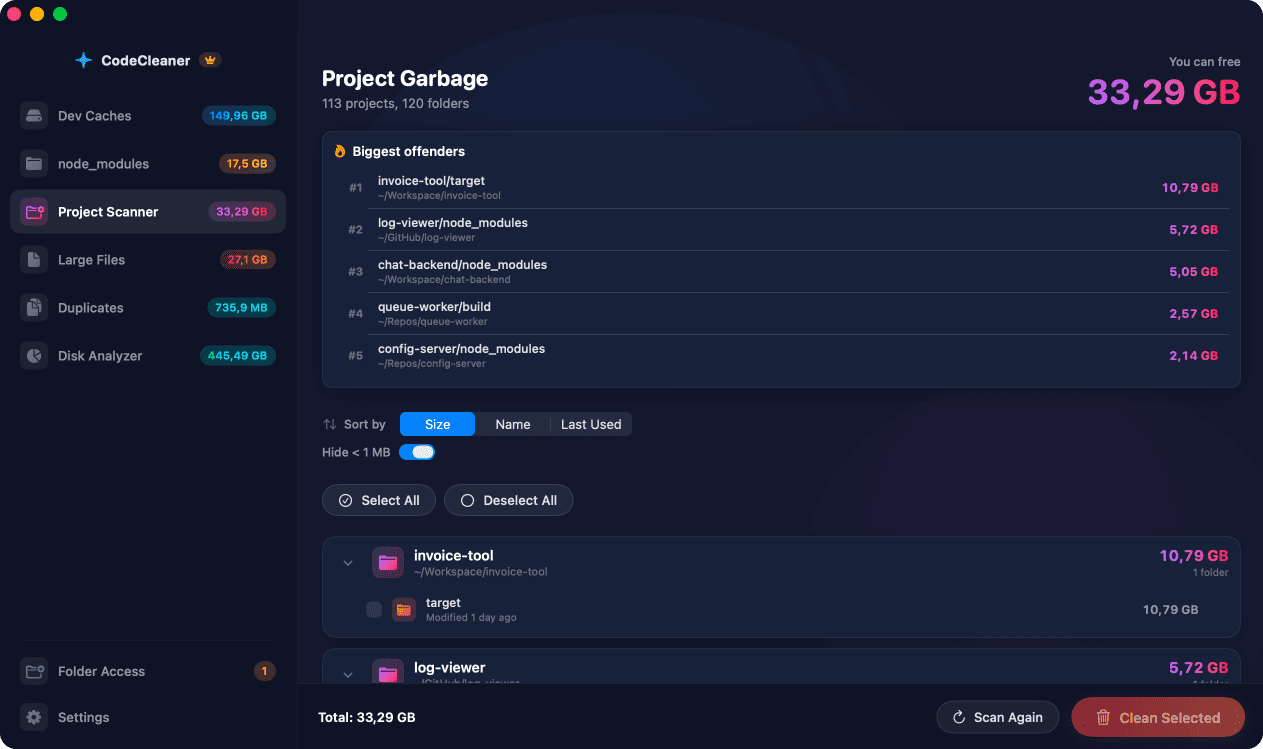
Flutter pub cache
~/.pub-cache holds all Dart packages used across Flutter projects. flutter pub cache clean removes it — packages re-download on next pub get.
Per-project build artifacts
build/ and .dart_tool/ in each Flutter project contain compiled outputs. Safe to delete — flutter build recreates them.
How CodeCleaner handles Flutter
CodeCleaner detects ~/.pub-cache and includes Flutter in its polyglot developer cache scan.
Manual steps (Terminal)
Run these commands in Terminal first. Scan first, review before deleting — or use CodeCleaner for a visual interface with per-item size breakdowns.
pub cache size
du -sh ~/.pub-cacheClear pub cache
flutter pub cache cleanSample Flutter build folders
find ~/Projects -name build -path '*/flutter/*' -type d -prune | head -10Or use CodeCleaner
CodeCleaner automates this with a native macOS app. Scan first, review before deleting. Free scan, no account required.
Native macOS app. No account required. Local scan. You review before cleanup.
Frequently asked questions
- Will flutter pub cache clean break my apps?
- No. Run flutter pub get in each project to restore packages.
Why developers trust CodeCleaner
- Source code is never targeted
- Only known cache and build artifact paths
- Docker cleanup through official Docker CLI
- Local-only processing — no cloud upload
- No account required
- Free scan before paying for cleanup
Native macOS app. No account required. Local scan. You review before cleanup.