Android Studio Cache Cleaner on Mac
Last updated: 2026-06-05
Quick answer
Android Studio caches live under ~/Library/Caches/Google/AndroidStudio* and logs under ~/Library/Logs/Google/AndroidStudio*. AVD images are at ~/.android/avd. CodeCleaner detects and sizes Android Studio footprint.
Native macOS app. No account required. Local scan. You review before cleanup.
Android Studio generates IDE caches, logs, and emulator AVD images that grow with every project. Combined with Gradle caches, Android development can consume 5–12 GB or more on a Mac.
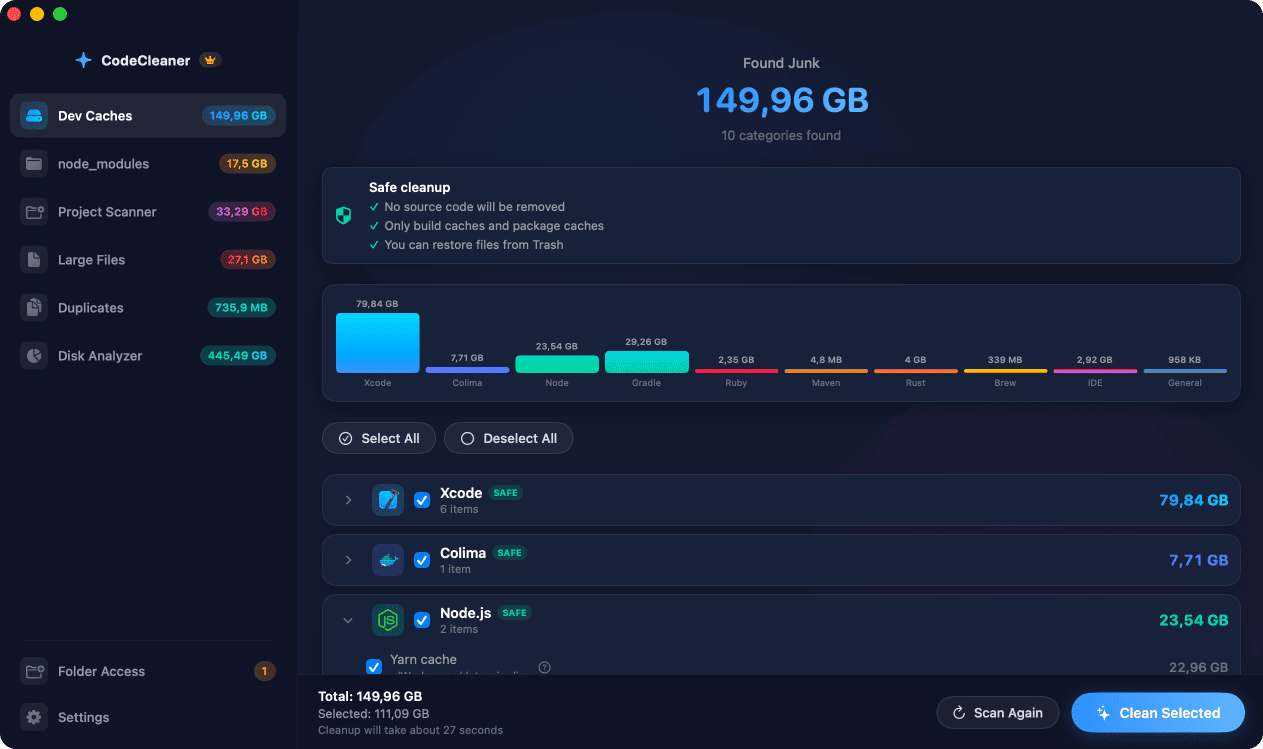
Android Studio cache and log locations
Caches: ~/Library/Caches/Google/AndroidStudio*. Logs: ~/Library/Logs/Google/AndroidStudio*. Old IDE versions leave separate directories after upgrades.
AVD emulator images
Each Android Virtual Device under ~/.android/avd includes a system image — often 2–5 GB per AVD. Remove emulators for API levels you no longer test.
How CodeCleaner handles Android Studio
CodeCleaner scans Gradle, Android build cache, AVD footprint, and Android Studio caches together. Scan first, review before deleting.
Manual steps (Terminal)
Run these commands in Terminal first. Scan first, review before deleting — or use CodeCleaner for a visual interface with per-item size breakdowns.
AVD images size
du -sh ~/.android/avdAndroid Studio caches
du -sh ~/Library/Caches/Google/AndroidStudio*Clear Android Studio caches
rm -rf ~/Library/Caches/Google/AndroidStudio*Clear Android Studio logs
rm -rf ~/Library/Logs/Google/AndroidStudio*Safety warnings
- Quit Android Studio before removing its cache directories.
- Deleting AVDs removes those emulator configurations — recreate if needed.
Or use CodeCleaner
CodeCleaner automates this with a native macOS app. Scan first, review before deleting. Free scan, no account required.
Native macOS app. No account required. Local scan. You review before cleanup.
Frequently asked questions
- How much space do Android emulators use?
- Often several GB per AVD. Multiple API levels multiply quickly.
Why developers trust CodeCleaner
- Source code is never targeted
- Only known cache and build artifact paths
- Docker cleanup through official Docker CLI
- Local-only processing — no cloud upload
- No account required
- Free scan before paying for cleanup
Native macOS app. No account required. Local scan. You review before cleanup.